Launch offer: CommandHQ Pro Lifetime $69.99 until Dec 15, then $99.99.See pricing →

The project planner for people running several projects

Which of your deadlines are likely to slip?

Your plan has dates. Your work has a pace. CommandHQ checks one against the other, and helps you fix the plan while there’s still time.
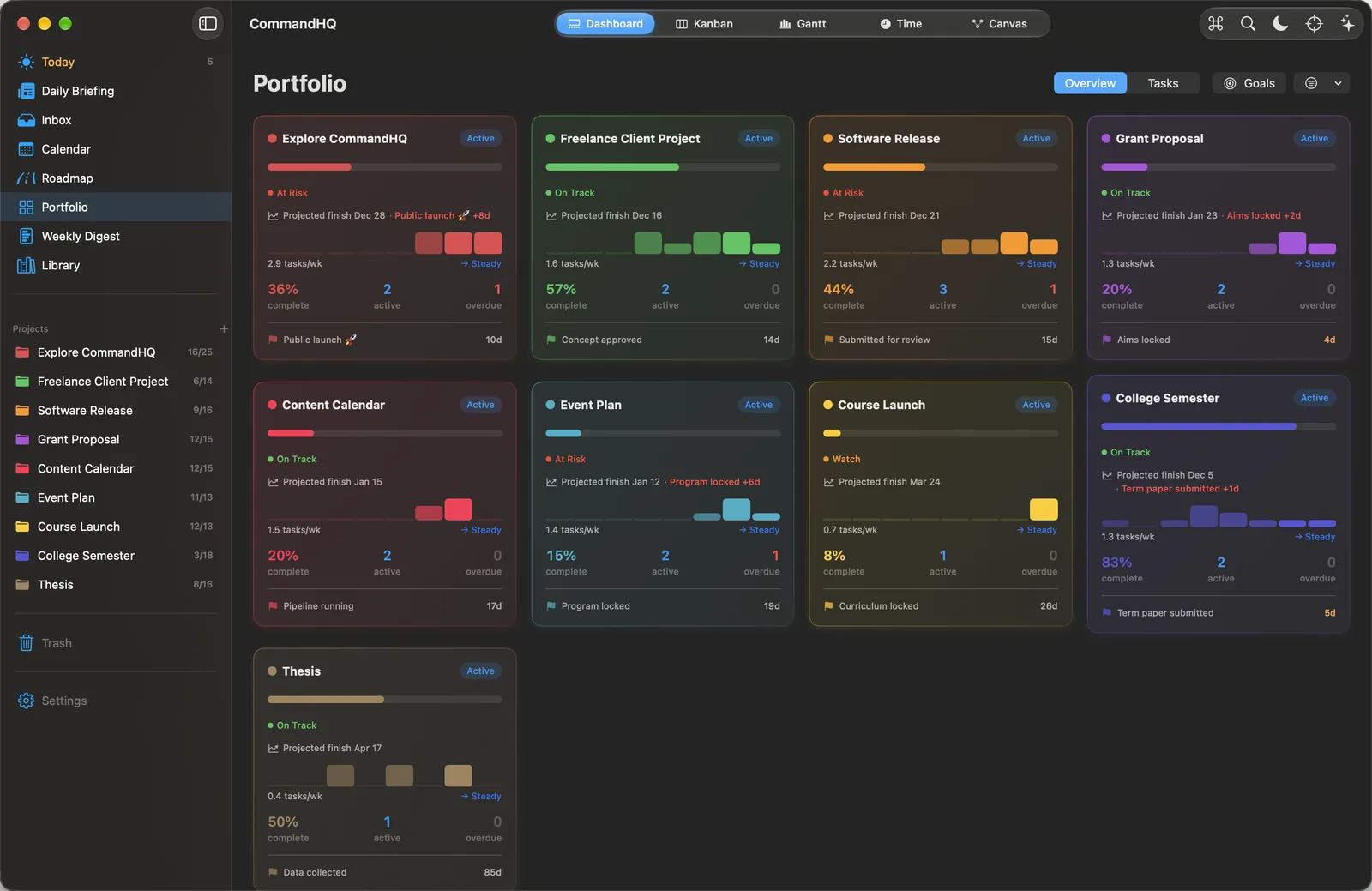
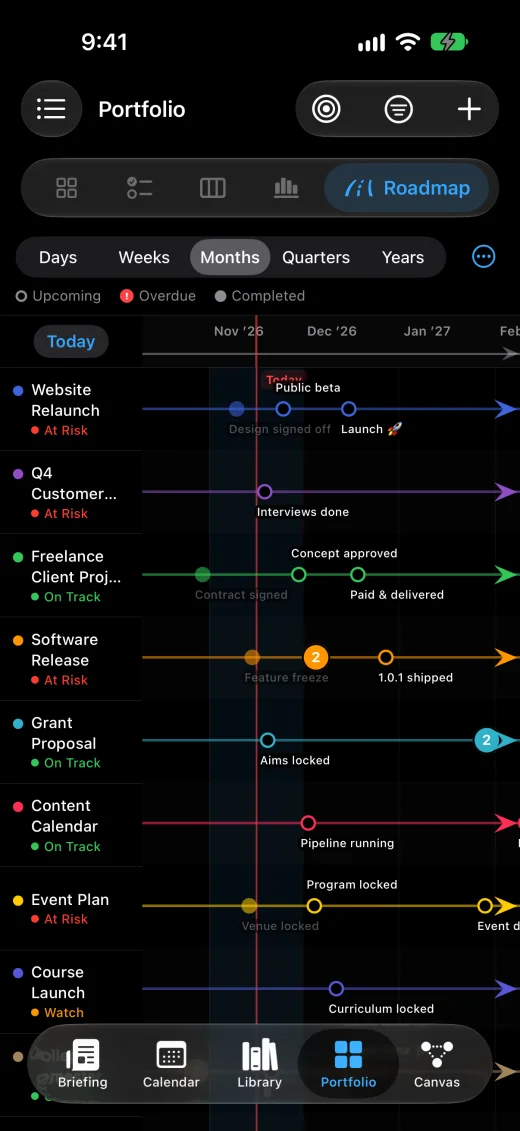
CommandHQ on a Mac: the Portfolio, nine projects, each with its status and forecast
The real Portfolio on a Mac. Enlarged: Event Plan’s next milestone, “Program locked”, is likely about 6 days late, so you can act now.Forecast from your recent pace · an estimate, not a guarantee.

Works on its own on iPhone, iPad or Mac, with Apple Watch alongside. No account, and your plans never touch our servers.

iPhone · iPad · Mac · Apple Watch · Free to start
Every Apple device

On every Apple device you use.

The whole app on iPhone, iPhone Duo, iPad and Mac, not a cut-down companion. On Apple Watch, today’s tasks, your timer and a warning when a milestone this week is likely to be late. Turn on iCloud Sync and the same projects stay in step everywhere.

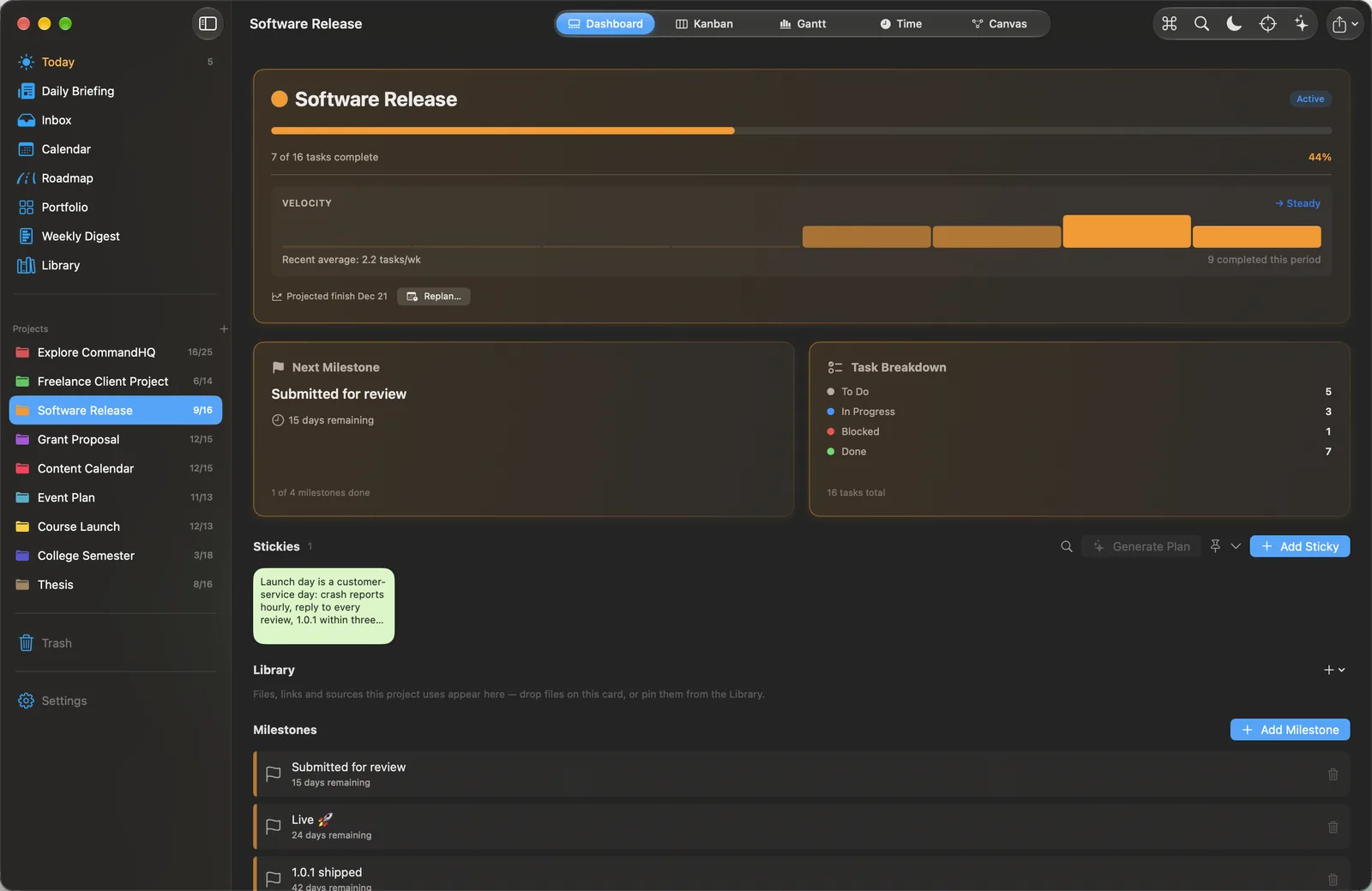
The Software Release dashboard on a Mac: progress, pace and forecast
The Daily Briefing on iPad: what is due today and what needs attention
The Daily Briefing on iPhone Duo, partly open
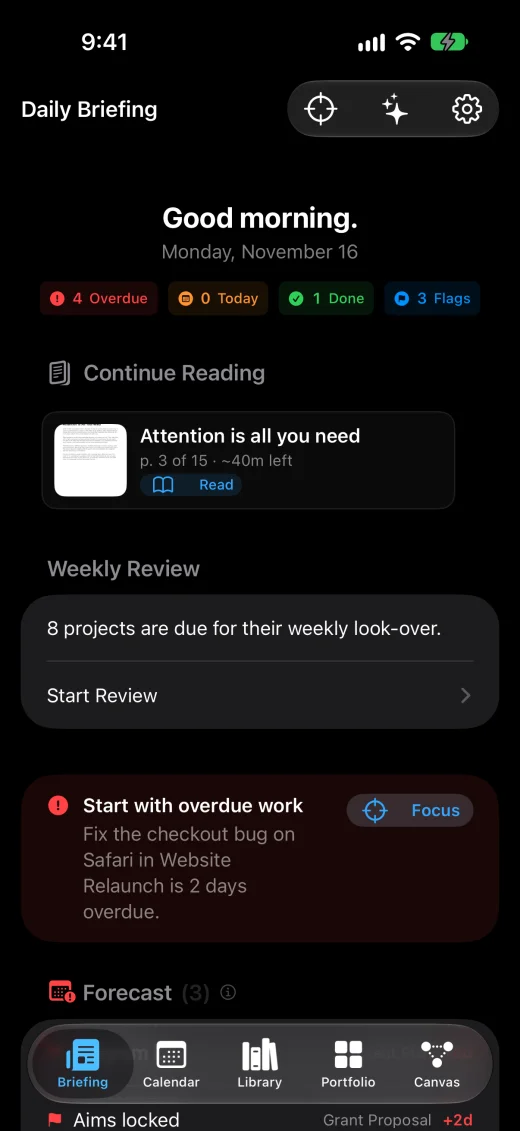
The Daily Briefing on iPhone
Apple Watch Today list: an overdue task, then the milestones due this week

The Daily Briefing on iPad, iPhone and Duo, the project dashboard on Mac, and today’s list on your Watch, with any late-milestone warning.

One plan

Everything connected.

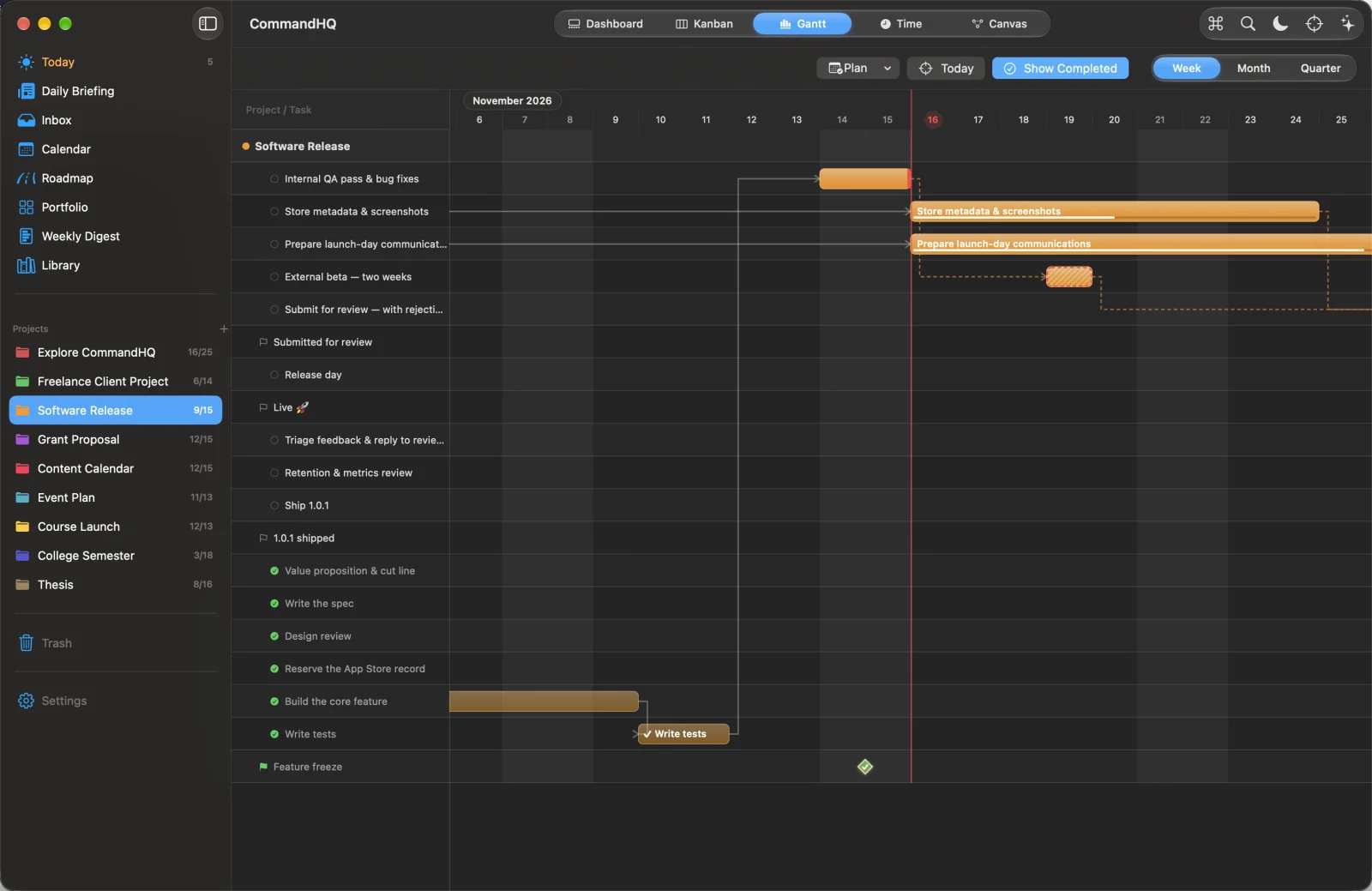
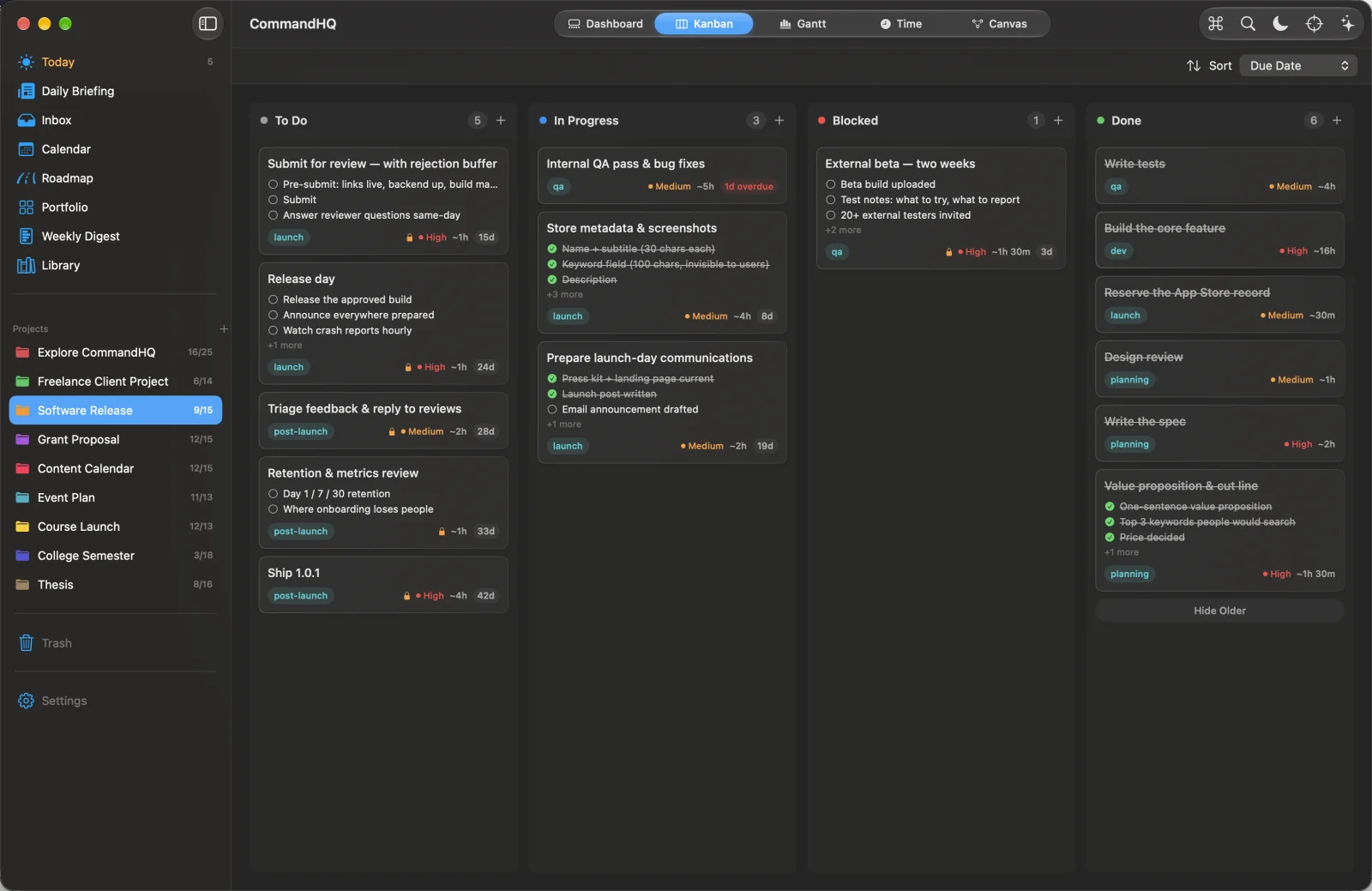
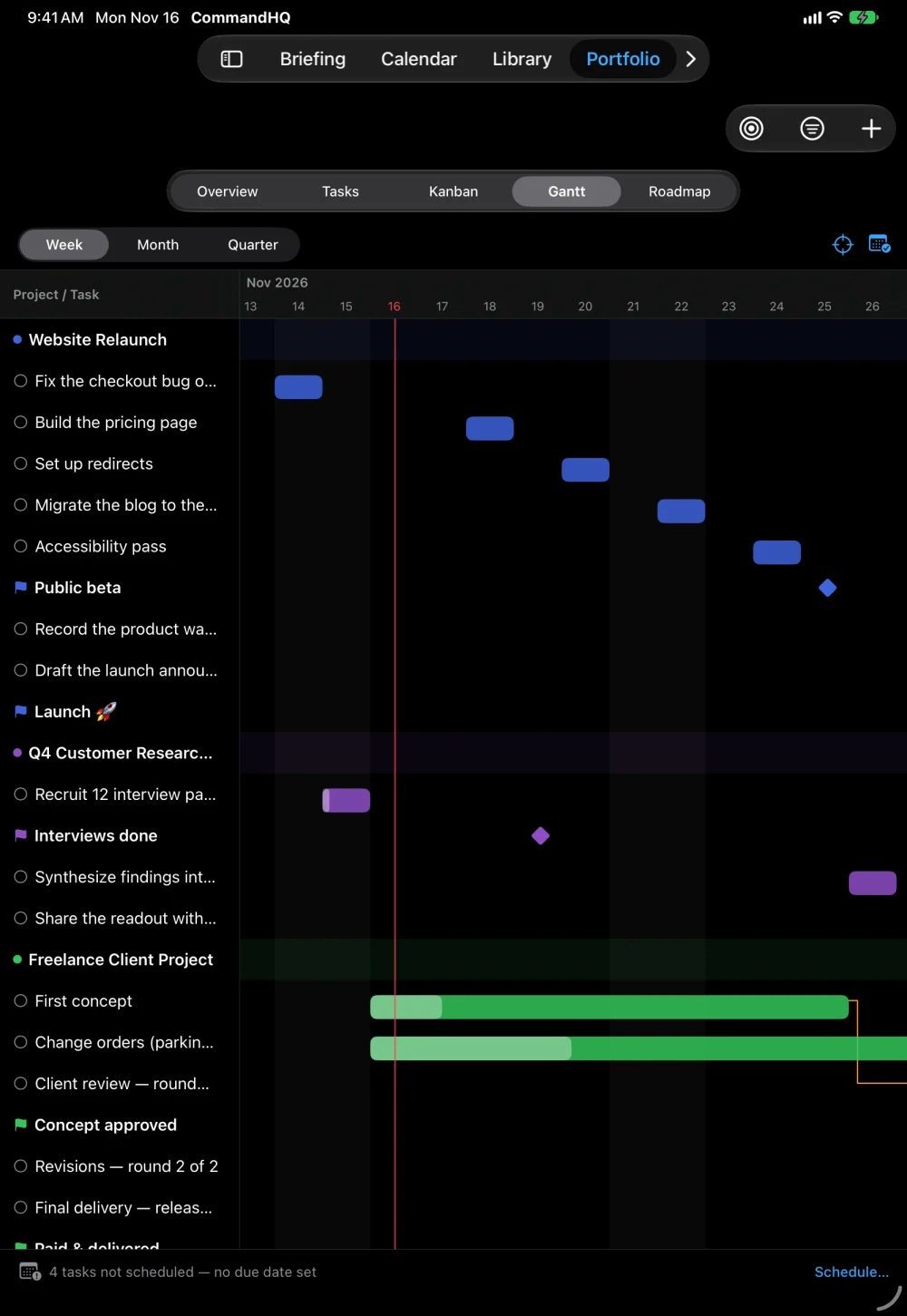
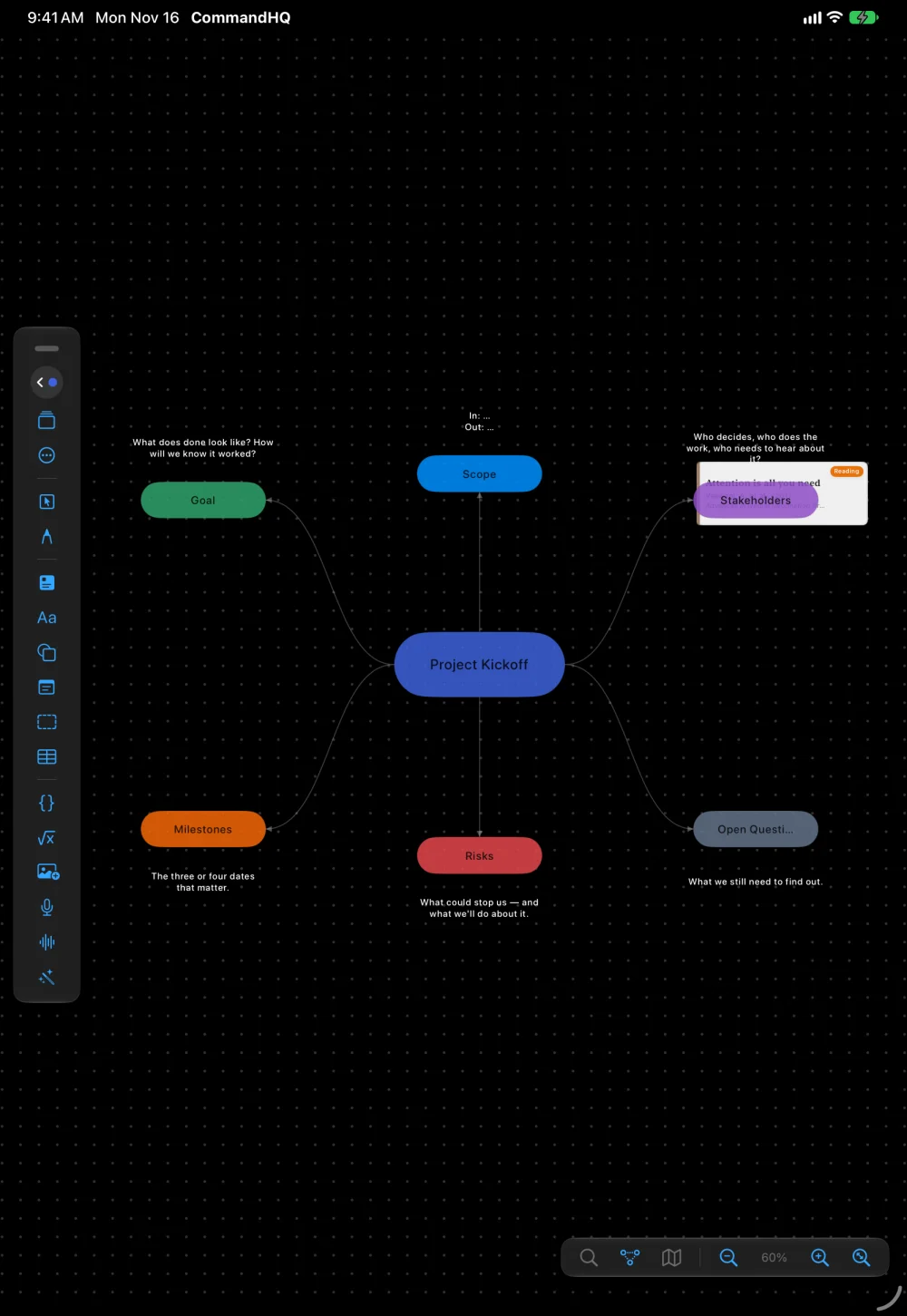
Follow one task, “Write the launch email”, through CommandHQ. Nothing is copied from app to app: it’s the same task everywhere, so every view stays in step.

Real screenshots from the Mac app, in order. Click or tap one to see it full size. The same journey works on iPhone and iPad.

When a date drifts

Fix the plan before it’s late.

Replan proposes a new schedule that fits your real free time. Every change is a checkbox: keep what you like, uncheck the rest. Nothing changes until you apply it, and one click undoes it.

  • Replan My Week around the meetings you already have
  • Replan milestone dates to match your real pace
  • Preview first, apply what you choose, undo anytime
  • Save a plan and compare it with what actually happened

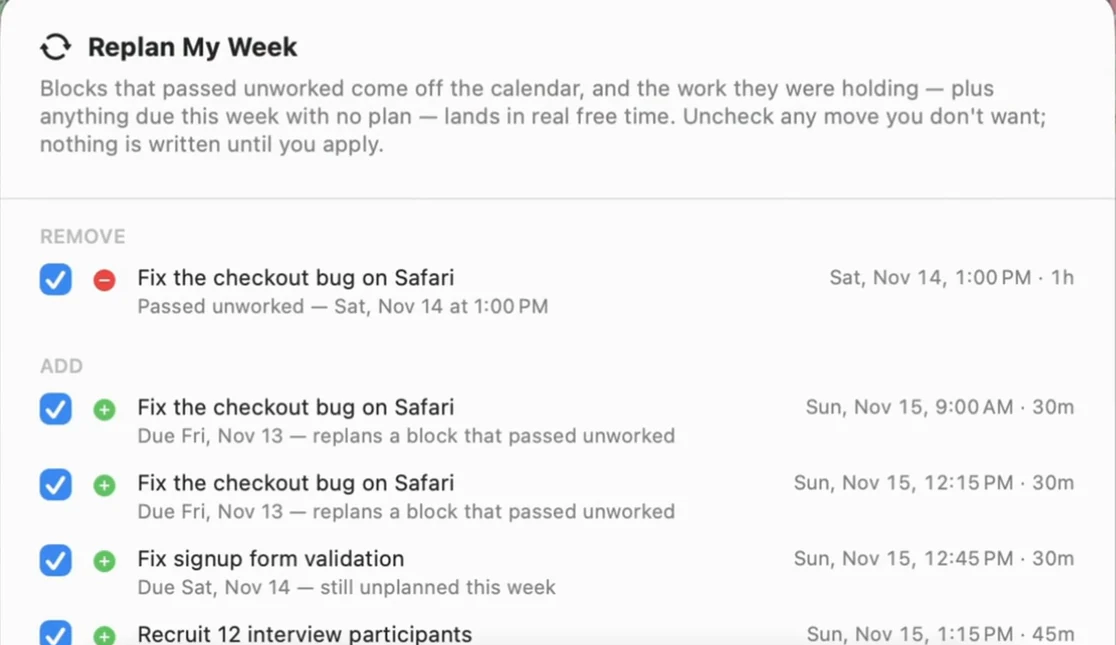
In the screenshot: a 1-hour block that passed unworked comes off the calendar, and its work returns as two 30-minute sessions in time you really have free.

The Replan My Week sheet: each proposed change listed with a checkbox, nothing written until you apply
How forecasts work

Based on the work you actually finish, and updated as you work.

How accurate are forecasts? →

It tells you when a project doesn’t have enough history yet. Tested against 30,000+ finished milestones from over a million tasks, drawn from external sources. Built to warn you early, but like any forecast, it’s an estimate, not a guarantee.

Our promises

Your plans stay yours.

Made by Krida LLC, an independent studio in Golden, Colorado.

Pricing

Free to start. Pro when you're ready.

One purchase covers iPhone, iPad, Mac and Apple Watch. Subscriptions renew until cancelled; full terms on the pricing page. Compare plans →